Turn your LUT collection into something entirely your own.
Stack up to eight LUTs, give every layer its own strength, and watch them combine live on your image. Refine the result, save it as a preset, or export the color blend as a standard .cube for the other apps in your workflow.
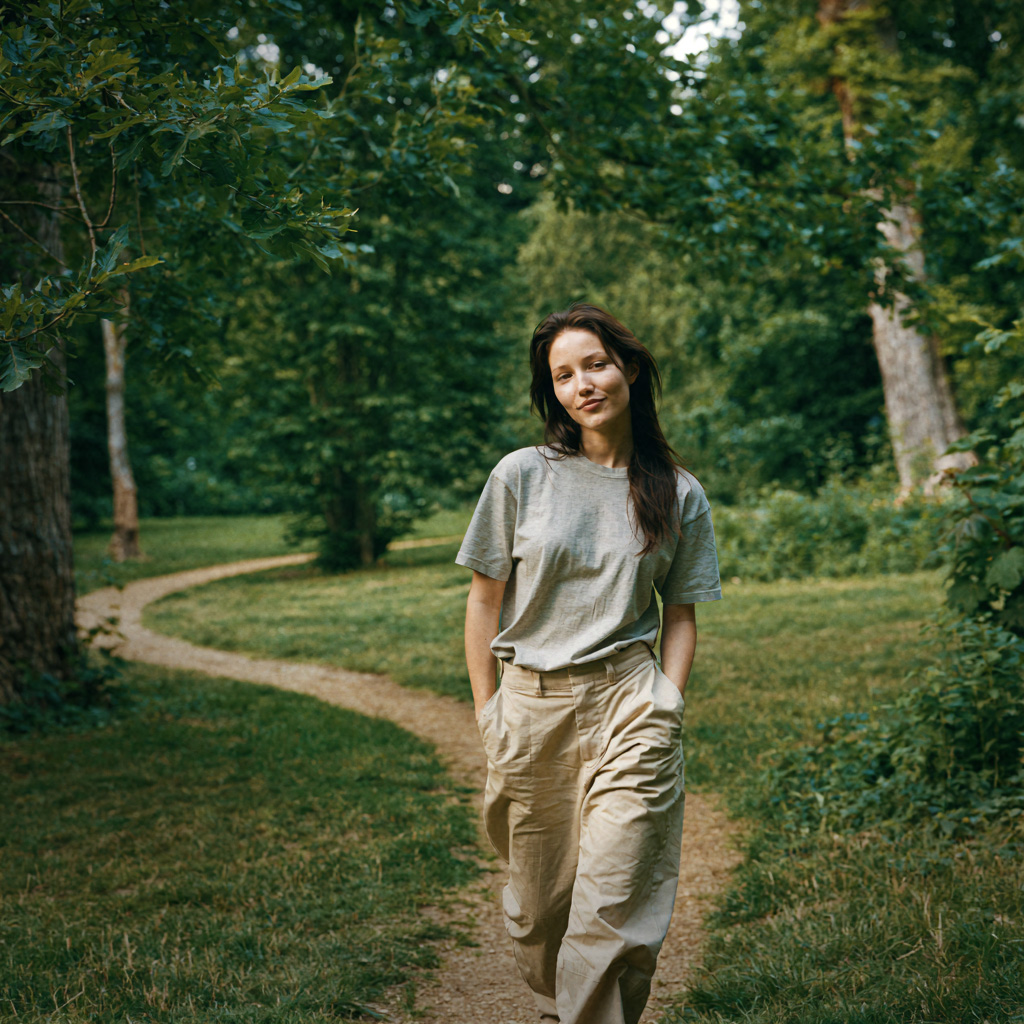
with LUTweave bloom and vignette
Most LUT collections become folders of good ideas you rarely use.
Previewing LUTs one at a time makes a large library feel slow and repetitive. You try the familiar few, ignore the rest, and stop before discovering what those looks could become together.

Bring the LUTs you already own back into use—together.
LUTweave turns every LUT into a creative ingredient. Browse with live previews, combine unexpected looks, and make something more personal than any single preset could give you—all in an interface that stays visual, immediate, and fun to explore.
Every LUT becomes an ingredient.
Adjust the strength to see how one layer can gently influence a look. In LUTweave, you can balance up to eight different LUTs this way—live, on your own image.
One personal grade, built in layers.
Start with the collection you already have. LUTweave gives you a simple, visual way to combine it into looks that are recognizably yours.

Combine up to eight LUTs at different strengths.
Stack subtle corrections, bold film looks, and unexpected favorites in one live blend. Every LUT has its own strength control, so each layer can lead, support, or barely tint the final result.
- Up to eight LUTs in one stack
- Independent strength for every layer
- Live feedback on the image you are editing
Refine the mood without leaving the panel.
Once the color feels right, shape the atmosphere with Bloom, Vignette, and Film Grain. The controls stay direct and easy to understand, so finishing the look remains creative instead of technical.
- Bloom for a softer highlight response
- Vignette to guide the frame
- Film Grain for texture and character


Save the recipe—or take the color with you.
Save your favorite stacks as presets so a personalized look is always ready to revisit. Import and export preset recipes, or export compatible color blends as standard .cube files for use in other creative apps.
- Save, load, import, and export presets
- Export compatible blends as standard .cube files
- Build once, reuse across your workflow
Offline
Works completely offline. Nothing leaves your machine.
No account
No sign-in, no cloud. Install and work.
No telemetry
The plugin collects no customer data.
One-time
No subscription. Buy Pro once.
From forgotten LUTs to an original look.
Explore
Bring in your LUT library and preview every look directly on your image.
Stack
Combine up to eight LUTs, with a different strength for every layer.
Refine
Finish the mood with Bloom, Vignette, and Film Grain.
Keep it
Apply in Photoshop, save the recipe as a preset, or export the color blend as a .cube.
The same core, unlocked further.
| Capability | Free | Pro |
|---|---|---|
| LUT slots | 2 | 8 |
| Library browsing, search & favorites | ✓ | ✓ |
| Live previews & core Apply | ✓ | ✓ |
| Bloom, Vignette & Film Grain | — | ✓ |
| Preset save / load / import / export | — | ✓ |
| .cube export | — | ✓ |
| Updates within version 1.x | — | ✓ |
Own it once.
Pro is a one-time purchase—not a subscription. The license is perpetual for the purchased major version, and updates within version 1.x are included.
Functional with no time limit.
- Two LUT slots
- Library browsing
- Search and favorites
- Live previews
- Core Apply workflow
Perpetual for version 1.x. Not a subscription.
- Everything in Free, plus:
- Eight LUT slots
- Bloom, Vignette, and Film Grain
- Preset save / load / import / export
- .cube export
- Updates within version 1.x
- Personal license
Personal license · install on up to three of your own machines · future major versions may require a paid upgrade.
What you need to run it.
Windows only at launch. A Mac version may come later—no date is promised.
Requires a recent Photoshop version that supports UXP plugins.
None required. LUTweave runs fully offline, with no account and no telemetry.
No. Pro is a one-time purchase of $39.99 USD. The license is perpetual for the purchased major version, and updates within version 1.x are included. The Free version stays functional with no time limit.
Free gives you two LUT slots plus library browsing, search, favorites, live previews, and the core Apply workflow. Pro unlocks all eight slots, effects, preset tools, and .cube export.
Yes. LUTweave works completely offline. There is no account, no telemetry, and no customer data is collected by the plugin.
A Windows machine and a recent version of Photoshop that supports UXP plugins. LUTweave is Windows-only at launch.
A Mac version may come later, but no date is promised.
Yes. Your LUTweave recipes can be saved, loaded, imported, and exported as presets. Compatible color blends can also be exported as standard .cube files for use in other creative apps.
Pro is a personal license for one named person and may be installed on up to three machines you personally use. It cannot be shared, transferred, or resold.
There is a 14-day refund policy. See the Refund Policy page for details.
Your LUT collection has more in it.
Start free and bring familiar looks back into play. Unlock all eight layers, finishing controls, presets, and .cube export when you are ready to make the result entirely your own.